



Why Subscription Products Work on Shopify
Subscriptions aren’t nice-to-have anymore. For Shopify merchants selling consumables, replenishables, or curated boxes, they’re the most reliable path to sustainable growth. Not sure if the model is worth the setup effort? Here’s what the numbers say.
- Predictable revenue. Recurring billing converts one-time transactions into a forecastable MRR. You know, within a margin, what next month looks like before it starts.
- 3–5× higher LTV. Subscription customers consistently generate 3 to 5 times more lifetime value than one-time buyers across DTC categories including beauty, supplements, pet food, and grocery. That gap compounds fast.
- Lower customer acquisition cost. When a subscriber auto-renews every 30 days, you’re not paying to re-acquire them. CAC gets spread across a much longer revenue window, improving every unit-economics metric you track.
- Stronger customer loyalty. Subscribers interact with your brand every billing cycle. That frequency builds habit, trust, and brand recall in a way that a single purchase never does.
Not sure which of your products are subscription-ready? A free Shopify subscription audit can identify the best candidates in your catalog in under 60 seconds, no login required.
Which Products Work Best as Shopify Subscriptions
Not every product belongs on a subscription. The fit depends on purchase frequency, consumption rate, and whether the customer has a clear reason to reorder. Here’s a quick-reference table.
Product Category | Subscription Fit | Why |
Consumables (coffee, supplements, pet food, skincare) | 🟢 High | Customers run out on a predictable cycle – subscriptions remove the friction of reordering. |
Replenishables (cleaning supplies, razor blades, printer ink) | 🟢 High | Utility-driven reorders are the easiest subscription sell; “subscribe and save” framing converts well. |
Curated boxes (beauty, food, hobby kits) | 🟡 Medium | Strong for discovery-driven shoppers; retention depends on curation quality month over month. |
Digital access (templates, courses, software tools) | 🟡 Medium | Low fulfillment cost and high margin, but churn spikes if perceived value drops. |
One-time or seasonal items (furniture, gifts, seasonal decor) | 🔴 Low | No natural replenishment cycle; subscriptions feel forced and cancellation rates are high. |
A note on curated boxes: if you want to offer a “build your own” subscription box, the Build-a-Box feature lets customers select their own products within a subscription – which meaningfully improves retention compared to fixed-curation boxes.
The strongest shopify subscription service candidates in most stores are the products customers already reorder manually. Check your repeat-purchase data first.
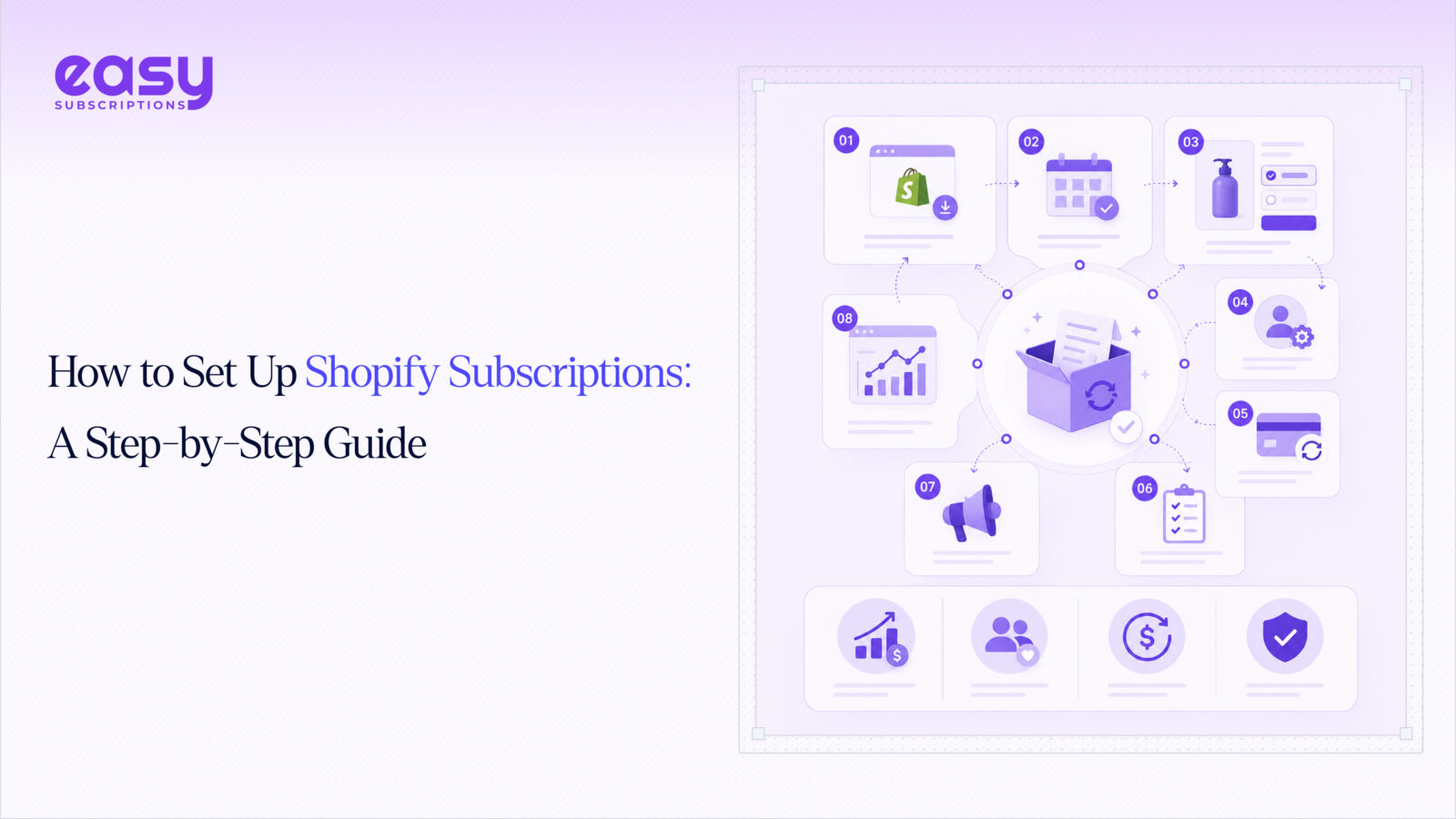
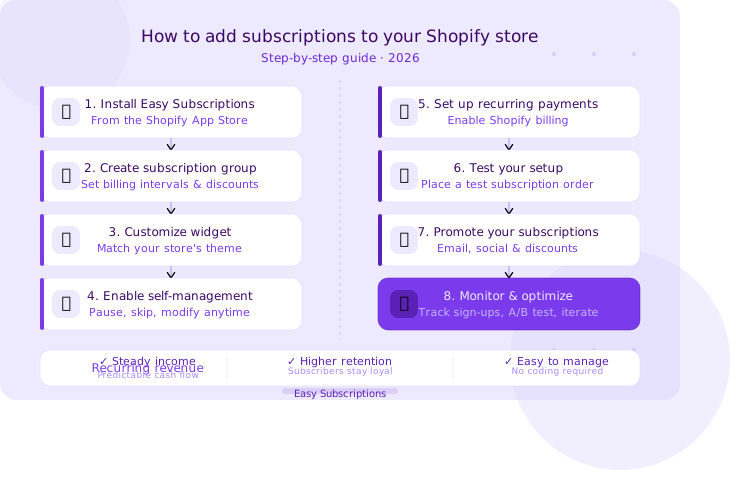
Step-by-Step: How to Set Up Subscription Products on Shopify
This is the full setup flow. Each step is self-contained – if you’re mid-setup, jump to the step you need.
Step 1 – Install Easy Subscriptions
Go to the Shopify App Store, search for Easy Subscriptions, and click Add App. Grant the required permissions and complete the onboarding flow. The app’s subscription management dashboard is where you’ll handle everything from billing rules to analytics – get familiar with the layout before moving on.
Step 2 – Create a Subscription Group
Inside the app, navigate to Subscription Groups → Create New. Select the products you want to offer as a shopify product subscription, set your billing intervals (weekly, bi-weekly, monthly, or custom), and define any subscriber discount. Save and activate the group. One group can cover multiple products – useful for bundles or product lines with shared billing logic.
Step 3 – Customize the Subscription Widget
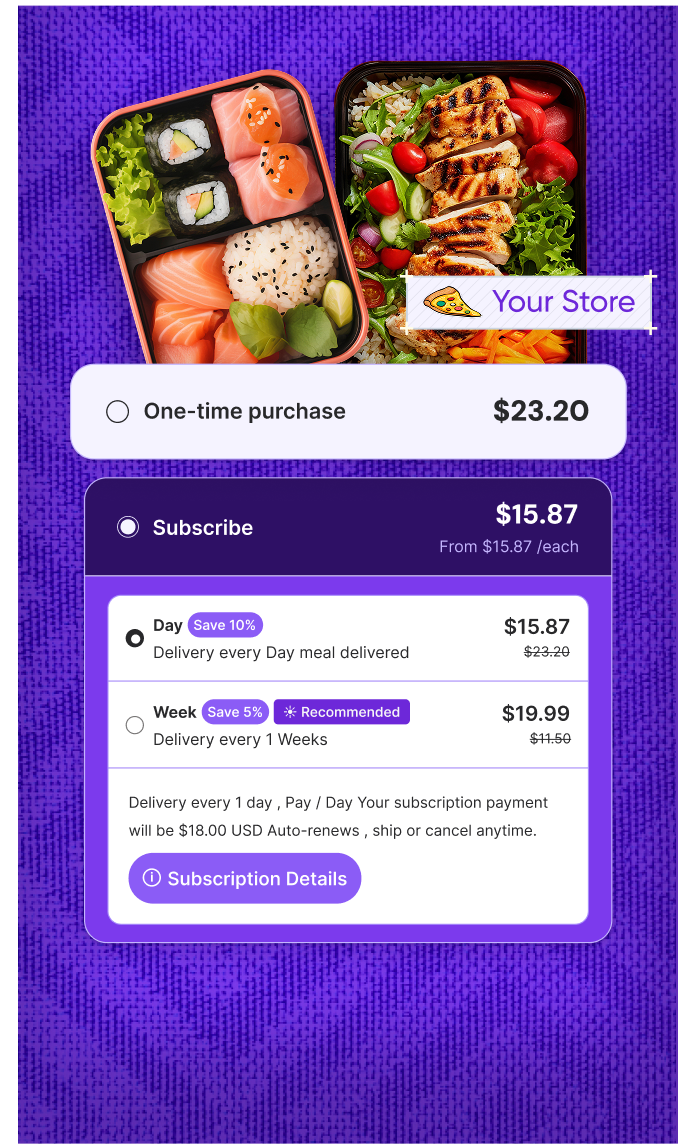
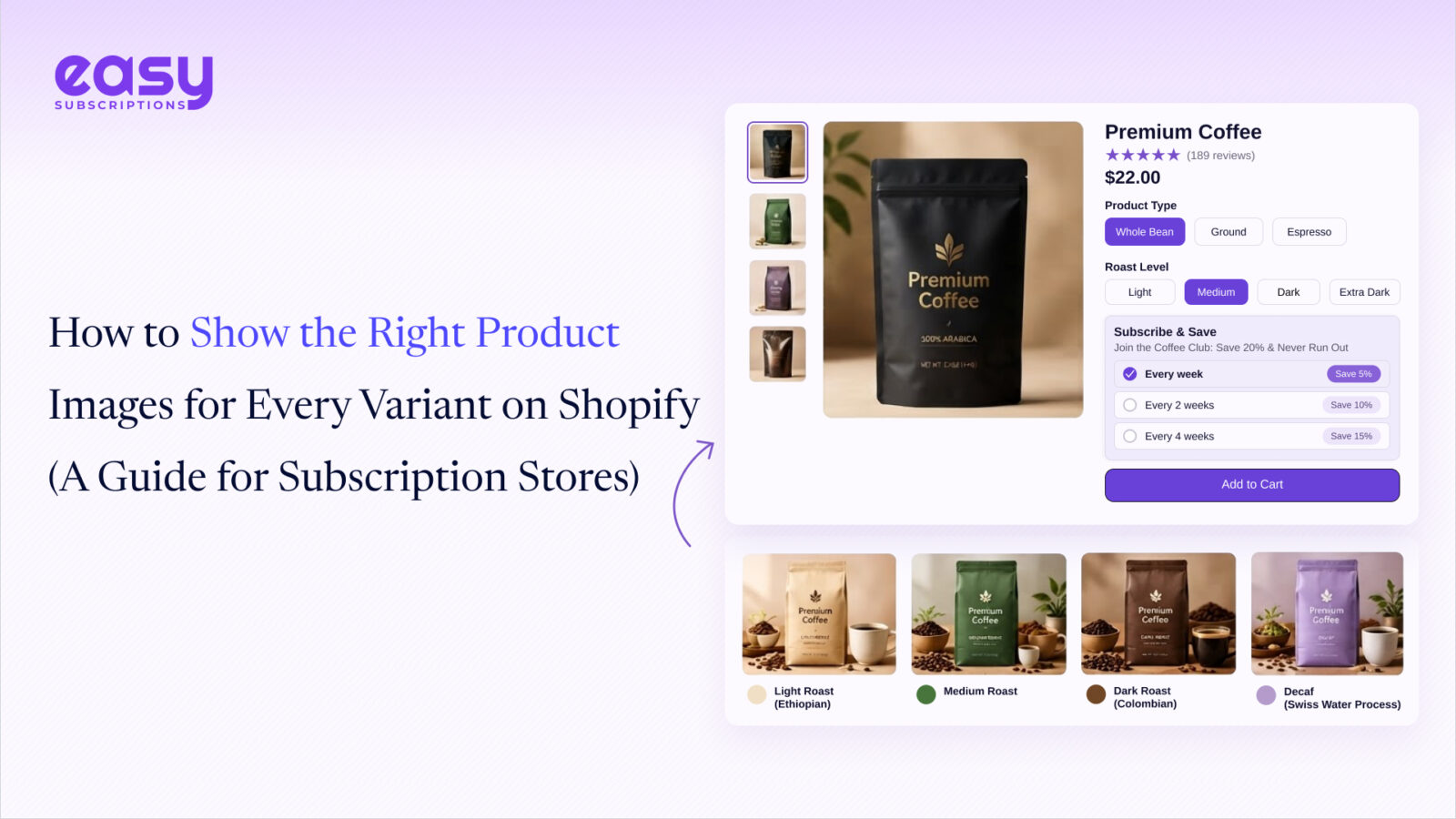
Head to Theme Settings → Product Template and position the subscription widget on your product page. Adjust colors, labels, and the default selection (one-time vs. subscribe) to match your store’s design. A clean, prominent widget is one of the highest-leverage conversion levers – don’t bury it below the fold. Preview on mobile before saving.
Step 4 – Enable the Customer Self-Management Portal
Activate the customer self-management portal from the app settings. This gives subscribers a dedicated dashboard where they can pause, skip, swap products, update payment details, or cancel – without contacting support. Stores that skip this step see significantly higher support ticket volume and faster churn. It’s not optional if you want to scale.
Step 5 – Configure Recurring Payments and Dunning
In Shopify Payments, confirm that recurring billing is enabled. Back in Easy Subscriptions, configure your payment retry schedule under dunning management. Failed payments account for up to 40% of subscription cancellations, automated retries with email notifications recover a significant portion of that revenue before it’s lost. Set at least 3 retry attempts across a 7–10 day window.
Step 6 – Test Your Setup End-to-End
Place a test order using Shopify’s test payment gateway. Verify that the subscription plan applies correctly at checkout, that the confirmation email fires, and that the subscriber can access their portal. Check the renewal flow too, simulate a billing cycle if the app supports it. Catching edge cases before launch costs nothing; catching them after costs customers.
Step 7 – Promote Your Shopify Subscription Service
Update product pages to lead with the subscription option and the subscriber discount. Email your existing customer list – people who’ve already bought are the easiest first subscribers. Add a “subscribe and save” callout to your homepage hero or a dedicated landing page. Paid social works well here too, especially retargeting campaigns aimed at repeat purchasers.
For merchants sourcing subscription products from China, partnering with a reliable fulfillment platform like USAdrop ensures consistent product quality and on-time delivery for every recurring order.
Step 8 – Monitor and Optimize
Track MRR, active subscribers, churn rate, and payment recovery rate weekly. Use the analytics dashboard to identify which products have the highest cancellation rates and why. Adjust billing intervals, discounts, or product selection based on what the data shows. A monthly subscription shopify setup that isn’t being actively optimized will plateau – the merchants who grow are the ones who treat subscriptions as a product, not a feature.
Common Mistakes to Avoid
Most subscription launches don’t fail because of technical issues. They fail because of these four avoidable mistakes.
- Choosing the wrong products. Launching subscriptions on low-frequency or one-time-purchase items is the fastest way to generate cancellations. Start with your highest-reorder-rate SKUs.
- No pause or skip option. Customers who can’t pause cancel instead. A pause option is the single easiest churn-reduction lever you have – don’t ship without it.
- Skipping dunning. Failed payments are silent killers. Without automated retries and notifications, you’re leaving recovered revenue on the table every billing cycle. Up to 53% of subscriber churn traces back to failed payments that were never retried.
- No customer portal. Subscribers who can’t self-serve their account flood your support inbox and churn faster. Pair the portal with retention management tools – like cancellation flows and win-back offers – to catch at-risk subscribers before they leave.