

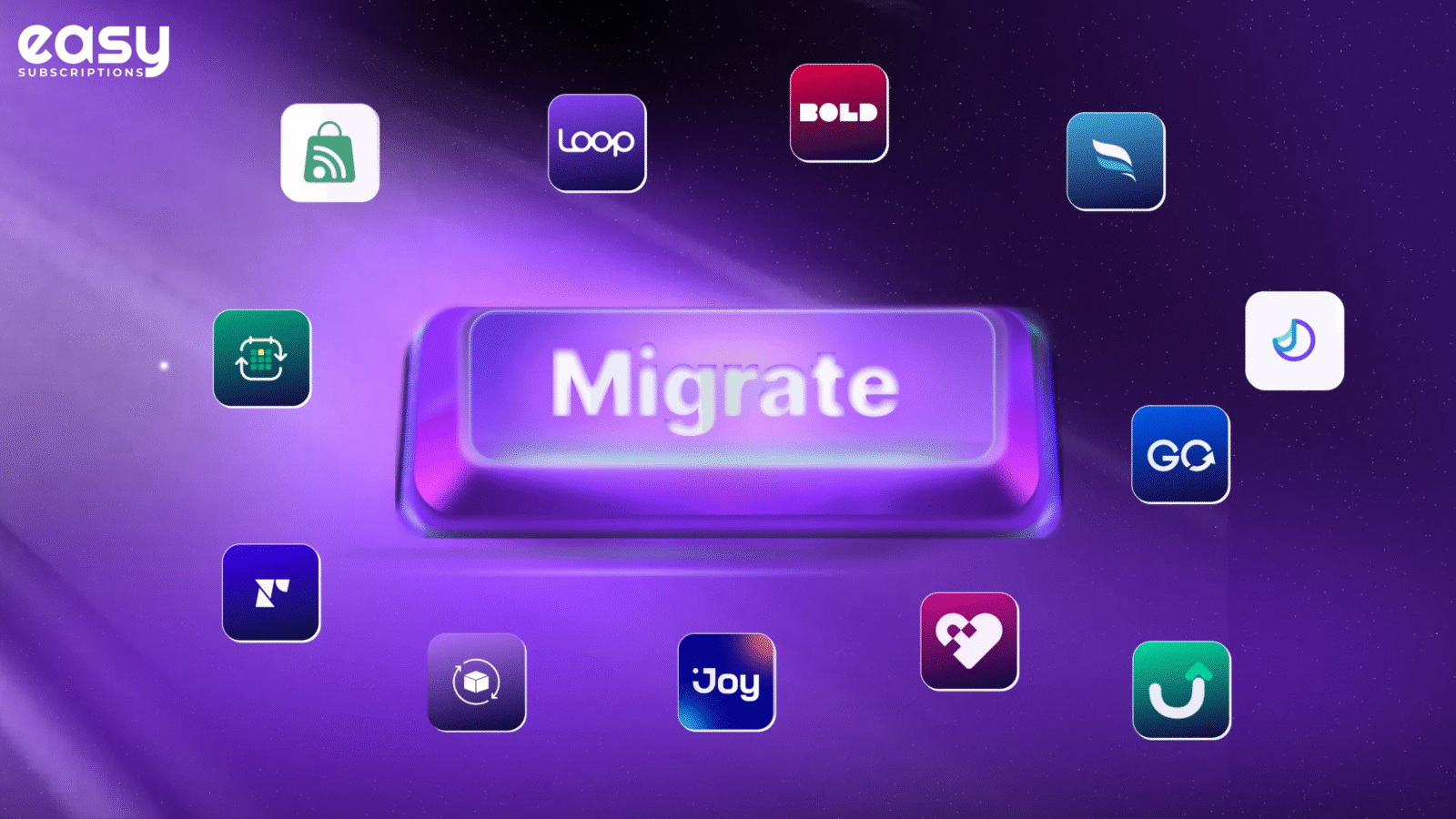


Shopify subscription migration is the process of moving your subscribers, plans, orders and settings from one subscription app to another without interrupting billing or confusing customers. Tired of dealing with a clunky app that feels like it is fighting you every step of the way? You can switch to Easy Subscriptions and move your entire subscription setup in as little as 30 minutes for a typical store, with a migration team to help.
This guide explains why merchants switch, what gets migrated, how the process works, and how to plan it so nothing breaks.
Quick Answer: To migrate Shopify subscriptions to a new app, share your subscription data or grant secure access, have your subscribers, plans, products, upcoming orders and discounts mapped and imported, review everything in a preview, then go live and switch billing over. With Easy Subscriptions, a typical setup can move in about 30 minutes with help from a migration team.
Key takeaways
- Migration moves your subscribers, plans, products, upcoming orders, discounts and customer data.
- The process has four steps: share, migrate, review and go live.
- Plan timing around billing dates, and avoid migrating during a peak sales weekend.
- Make sure only one app bills each subscriber after you switch.
- A done-for-you team can handle even complex setups.
Why Merchants Migrate: The Subscription Struggle Is Real
Subscription apps should increase recurring revenue and boost customer lifetime value, but many do not. If you are using an app such as Recharge, Bold, PayWhirl, Skio or Smartrr, you might recognise some of these problems:
- Clunky or outdated dashboards
- Limited customisation for your customer portal
- High monthly fees with unclear billing
- Poor integration with Shopify features
- Support that is hard to reach when you need help
These issues do not just frustrate you. They hurt your customer experience, can increase churn and eat into your revenue. That is why many brands consider switching, and why a fast, well-supported migration matters. If you are still comparing options, read our guide to the best Shopify subscription apps.
Migrate in Under 30 Minutes for a Typical Setup
Switching subscription apps should not be a week-long headache. With Easy Subscriptions, the goal is:
- No coding
- No downtime for your store
- No lost data, because every record is mapped and checked before launch
Timing depends on the size and complexity of your store and the app you are leaving, but the work is done for you, so most of it is review and approval rather than manual setup.
What Gets Migrated
| Data | Why it matters |
| Active subscribers | Every customer keeps their subscription |
| Subscription plans and billing intervals | Frequencies and schedules stay the same |
| Associated products and variants | Subscribers keep the items they chose |
| Upcoming recurring orders | Scheduled renewals continue on time |
| Subscription-specific discount codes | Existing offers keep working |
| Customer notes, tags and metadata | Your history and segmentation carry over |
| Email notification preferences | Customers keep the messages they opted into |
Everything is securely mapped and imported, so you keep control of your data rather than losing it.
Data Integrity, Customer Experience and Peace of Mind
A good migration protects three things:
- Your data: subscriptions are mapped carefully and shown to you in a preview before anything goes live.
- Your customers: they should keep receiving orders and emails as usual, so most will not notice the change.
- Your store: it keeps running normally throughout the process.
Results vary by setup, which is why the review step matters.
Built for Shopify. Backed by Real Support.
Easy Subscriptions is built natively for Shopify rather than patched together with third-party APIs or outdated systems. That means:
- Seamless Shopify checkout integration
- Auto-sync with your customer database
- Unified analytics and reporting
- Shopify-native discount handling
- Customisable, white-labelled subscription portals
Need help? Our dedicated migration team handles the move for you, even when you are switching from complex setups such as Recharge or Bold.
The Migration Journey: Fast, Safe and Done for You
Your migration happens in four simple steps.
| Step | What happens | Your part |
| 1. You share | Export your data or grant secure access to a partner | Provide the data or access |
| 2. We migrate | Your subscription data is cleaned, mapped and imported | Nothing, the team does this |
| 3. You review and approve | Preview all plans, orders and settings | Check and approve |
| 4. Go live | The switch is made and customers continue without interruption | Confirm the go-live time |
Ready to start? Start your migration with the team.
Before You Migrate: A Short Checklist
A little preparation prevents most problems.
- Pick the right moment. Schedule the switch between major billing runs, and avoid peak sales weekends. With Black Friday on November 27 and Cyber Monday on November 30, either finish well before then or wait until the rush is over. See our BFCM checklist for planning.
- Know your billing dates. Review which renewals fall in the days around the switch.
- Make sure only one app bills each subscriber. After go-live, billing should run from the new app only, so no one is charged twice or missed.
- Check your payment setup. Confirm with the migration team how stored payment methods transfer for your payment gateway.
- Note your customisations. List portal text, notification emails and discount rules you want to keep.
- Tell your support team. Give them a short note in case customers ask.
Migrating From a Specific App
We have dedicated guides for the most common moves. Visit the migration hub or choose your current app:
- Migrate from Recharge
- Migrate from Bold
- Migrate from Skio
- Migrate from Appstle
- Migrate from Loop
- Migrate from Subscription Plus
Want to compare features first? See how Easy Subscriptions stacks up against Recharge, Bold, Skio and Loop.
What Merchants Are Saying
“We migrated from Recharge in less than 25 minutes. I expected chaos. Instead, we got clarity. Easy Subscriptions lives up to its name.” — Arjun M., DTC Brand Owner
“It was plug-and-play. No billing gaps, no customer complaints, no downtime. Incredible.” — Sophie R., Subscription Box Store Owner
More Than Just a Migration: It Is an Upgrade
When you switch to Easy Subscriptions, you can unlock:
- Fully customisable subscription journeys, including a customer portal
- Upsell and cross-sell tools to boost average order value
- Real-time subscription analytics
- Automated customer notifications and dunning management for failed payments
- Flexible pricing models and free trial options
Common Concerns and How to Handle Them
| Concern | What to do |
| Will anyone be charged twice or miss a renewal? | Agree a go-live time with the team and make sure the old app stops billing once the new one takes over |
| Will customers have to re-enter payment details? | Ask the team to confirm for your payment gateway before you start |
| Will my customisations disappear? | List them beforehand and check them in the preview step |
| Is my setup too complex? | The migration team handles complex setups, so share the details up front |
Ready to Migrate?
If your current subscription app is holding you back, it is time to make a move that takes minutes, not months.
- Start your migration today.
- Talk to our migration experts.
- See Easy Subscriptions in action.
Final Thought
Switching subscription platforms does not need to be a tech nightmare. With Easy Subscriptions, it can be one of your easiest wins of the year. In as little as 30 minutes for a typical setup, you can keep your subscribers, preserve your upcoming orders and move to a platform built for growth and built for Shopify.