

Why Product Bundles Are the Fastest Way to Increase AOV on Shopify
If you’re trying to increase AOV on Shopify without spending more on ads, product bundles are the most direct lever you have.
The numbers back it up. Studies and merchant case studies consistently show that well-executed shopify bundles lift average order value by 20–30%. Some stores report higher – but 20–30% is a realistic, conservative benchmark for a properly structured bundle offer.
Why do they work so well? Three reasons:
- Perceived value: A bundle priced at $45 that contains $55 worth of individual products feels like a deal, even if the discount is modest.
- Convenience: Customers don’t have to think. You’ve done the curation for them.
- Price anchoring: Showing the “total if bought separately” price next to the bundle price makes the discount feel larger than it is.
One-time bundles vs. subscription bundles – these are two very different beasts. A one-time bundle boosts a single order. A subscription bundle boosts AOV and locks in recurring revenue, which is why DTC brands in supplements, coffee, and pet food are moving toward recurring shopify packs as their primary offer.
The 4 Types of Shopify Bundles (And When to Use Each)
1. Fixed Bundles
A fixed bundle is a pre-set group of products sold together at a single price or discount. The customer can’t change what’s in it.
Best for: Starter kits, gift sets, seasonal promotions.
Example: A skincare brand sells a “Morning Routine Kit” – cleanser + toner + moisturizer – at $49 instead of $65 individually. Zero decision fatigue for the buyer.
2. Mix-and-Match Bundles
Customers choose from a defined product list to build their own combination. You set the rules (e.g. “pick any 3 from this collection”).
Best for: Brands with multiple SKUs in the same category – coffee subscription, candles, snacks, skincare.
Example: A coffee brand lets customers pick 3 roasts from 12 options for a flat $35 price. This is a classic mix-and-match setup that drives higher engagement than a fixed offer.
3. Build-a-Box
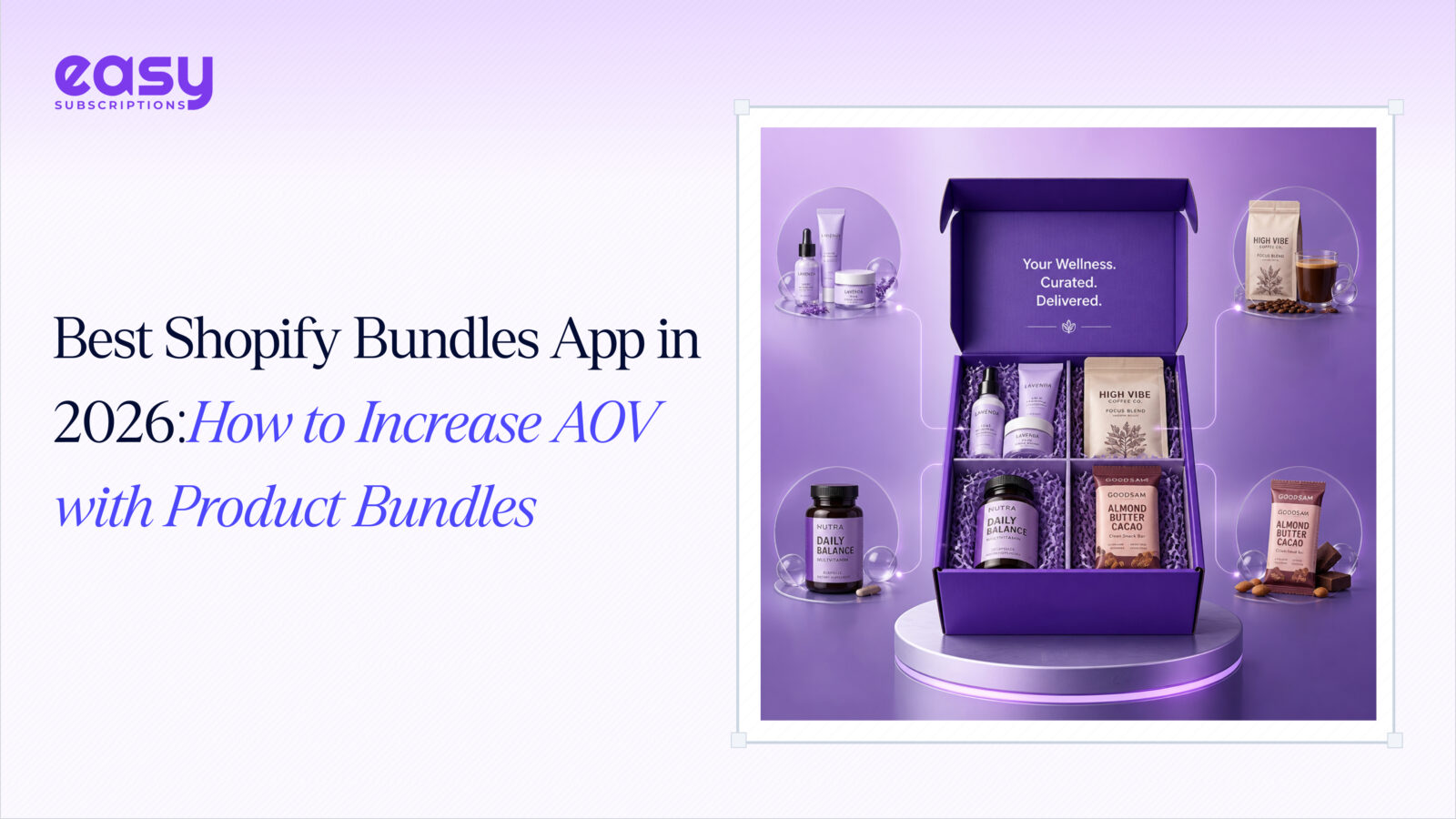
The most advanced format. Customers fully customize a box – often on a recurring basis. Think of it as mix-and-match with a subscription layer on top.
Best for: Subscription box businesses, DTC brands in food, beauty, or wellness.
Example: A monthly snack box where subscribers choose 8 items from a rotating catalog of 30+. The build-a-box shopify model is the gold standard for retention-focused brands.
4. Quantity Breaks / Volume Discounts
Not a traditional bundle, but it works the same way: buy more, pay less per unit. “Buy 3, get 15% off” is the simplest version.
Best for: Consumables, replenishment products, B2B buyers.
Example: A supplement brand offers 10% off for 2 bottles, 20% off for 4. This is one of the easiest bundle types to set up and often the fastest AOV win.
Best Shopify Bundles Apps in 2026 (Compared)
There are 300+ bundle apps on the Shopify App Store. Here are the four worth your time:
| App | Price | Bundle Types | Subscription Support | Inventory Sync | Rating |
| Easy Subscriptions | Free–$399/mo | Fixed, BYOB, quantity breaks | ✅ Full | ✅ Yes | ⭐ 5.0 (207 reviews) |
| Shopify Bundles (native) | Free | Fixed, multipacks | ❌ No | ✅ Yes | ⭐ 2.7 |
| Bundler | Free–$9.99/mo | Fixed, mix-and-match, quantity breaks | ❌ No | ✅ Yes | ⭐ 4.9 (1,750+ reviews) |
| Fast Bundle | $19/mo+ | Fixed, mix-and-match, BYOB | ❌ Limited | ✅ Yes | ⭐ 5.0 (2,400+ reviews) |
| Bogos | Free–$19.99/mo | Fixed, mix-and-match, bundle builder, FBT, GWP | ❌ No | ✅ Yes | ⭐ 5.0 (3,800+ reviews) |
Easy Subscriptions – The strongest choice if you want product bundles shopify and subscriptions in one place. The free plan covers core subscription features; bundles (BYOB + fixed) unlock at $39/month. Built for Shopify badge, 0% transaction fees, and a 5.0 rating across 207 reviews. The main limitation: it’s primarily a subscription app, so pure one-time bundle merchants may find it over-engineered.
BundleBox: Bundle Builder – A flexible Shopify bundle builder designed to help merchants increase AOV through quantity bundles, standard bundles, mix & match offers, add-ons, and milestone gifts. Its Milestone Gift feature allows merchants to unlock gifts when customers reach defined purchase milestones, encouraging shoppers to add more to their carts. BundleBox also integrates with subscription apps such as Easy Subscriptions, allowing merchants to combine bundling with recurring purchase experiences.
Shopify Bundles (native) – Free and easy to set up, but the 2.7-star rating tells the story. It only supports fixed bundles and multipacks, has no subscription support, and limited customization. Fine for a quick test, not for a serious bundle strategy.
Bundler – A solid, budget-friendly bundle builder shopify merchants have used for years. The free plan is genuinely usable. It doesn’t support subscriptions, but for pure one-time bundles with quantity breaks, it’s hard to beat at $9.99/month.
Fast Bundle – Feature-rich and highly rated. Supports mix-and-match and BYOB well. At $19/month minimum with no free plan for live stores, it’s a step up in cost. Best suited for mid-to-large stores that need advanced bundle customization.
Bogos– BOGOS stands apart from single-purpose bundle apps by delivering a complete promotional ecosystem that combines powerful bundling with intelligent upselling, free gift campaigns, and advanced customer targeting. Supporting classic bundles, mix & match configurations, dedicated bundle builder pages, and frequently bought together suggestions, it gives merchants unmatched flexibility in how they structure and present offers. Backed by 87,000+ merchants, 11+ years of experience, and a 5.0 rating across 3,800+ reviews, BOGOS is the go-to choice for stores that want sophisticated promotional strategies beyond basic product bundling.
How to Set Up a Product Bundle on Shopify (Step-by-Step)
Setting up your first shop bundle takes less than 30 minutes. Here’s the process:
Step 1: Choose your bundle type and products
Decide whether you’re starting with a fixed bundle, mix-and-match, or quantity break. Pick products that are logically related – don’t just bundle slow-movers together (more on that mistake below).
Step 2: Install a bundles app
Go to the Shopify App Store and install your chosen app. For beginners, start with Bundler (free) or Easy Subscriptions if you plan to add subscriptions later.
Step 3: Create the bundle
Inside the app, create a new bundle. Set the name, select the products, and define the discount – either a fixed price or percentage off. Keep the bundle name customer-facing and benefit-driven (e.g. “Starter Kit” not “Bundle #1”).
Step 4: Set inventory rules
This is critical. Make sure the app deducts inventory from individual product variants when a bundle sells. Skipping this step causes overselling – one of the most common and painful bundle mistakes.
Step 5: Add to your storefront and test
Publish the bundle to a collection or product page. Place it prominently – above the fold if it’s a hero offer. Then test the full purchase flow yourself on both desktop and mobile before driving traffic to it.
Subscription Bundles: The AOV + Retention Combo
One-time bundles boost a single order. Subscription bundles boost every order, indefinitely.
That’s the core argument for shopify subscription bundles. Instead of convincing a customer to buy once, you convince them once – and they keep paying.
Why subscription bundles reduce churn: When a customer subscribes to a bundle they’ve customized themselves, canceling means losing a curated experience they built. That’s a much higher psychological barrier than canceling a single-product subscription. Research on bundled subscription services shows churn rates can be up to 40% lower for bundled vs. standalone offers.
Build-a-box as the ultimate retention tool. The build a box shopify model takes this further. Customers who assemble their own box feel ownership over it. They’re not just subscribers – they’re curators. That emotional investment translates directly into lower churn and higher lifetime value.

Real niche examples where this works:
- Supplements: Monthly protein + pre-workout + recovery bundle, subscriber picks flavors each cycle
- Pet food: Weekly kibble + treat box, customer adjusts portions as their pet’s needs change
- Beauty Subscription: Skincare routine box, subscriber swaps one product per month based on skin concerns
- Coffee: Bi-weekly roast selection box, customer chooses 2–3 roasts from a rotating menu
In each case, the subscription bundle does two jobs at once: it increases the per-order value and it gives the customer a reason to stay.
Common Bundle Mistakes to Avoid
Most bundle failures come down to the same handful of errors:
Bundling slow-moving inventory. Customers notice when a bundle is clearly designed to clear dead stock. If the products don’t make sense together, the offer feels like a trick, not a deal. Bundle products that genuinely complement each other.
Discounting too aggressively. A 30%+ bundle discount can destroy margins fast, especially on low-ticket items. Start with 10–15% and test. The goal is to increase revenue per order, not give products away.
No inventory sync. If your bundle app doesn’t sync inventory back to individual SKUs, you’ll oversell. Always verify this before going live – it’s a basic feature, but some cheaper apps handle it poorly.
Ignoring mobile UX. A significant share of Shopify traffic is mobile. If your bundle page requires horizontal scrolling, tiny tap targets, or multiple steps to customize, conversion will suffer. Test every bundle on a real phone before launch.