AI-powered, Human-reviewed.





Why Social Proof Matters More for Subscriptions Than One-Time Purchases
A one-time purchase is a low-stakes bet. A subscription is a recurring financial commitment; the customer is saying yes not just once but every month until they actively cancel. The trust bar is categorically higher.
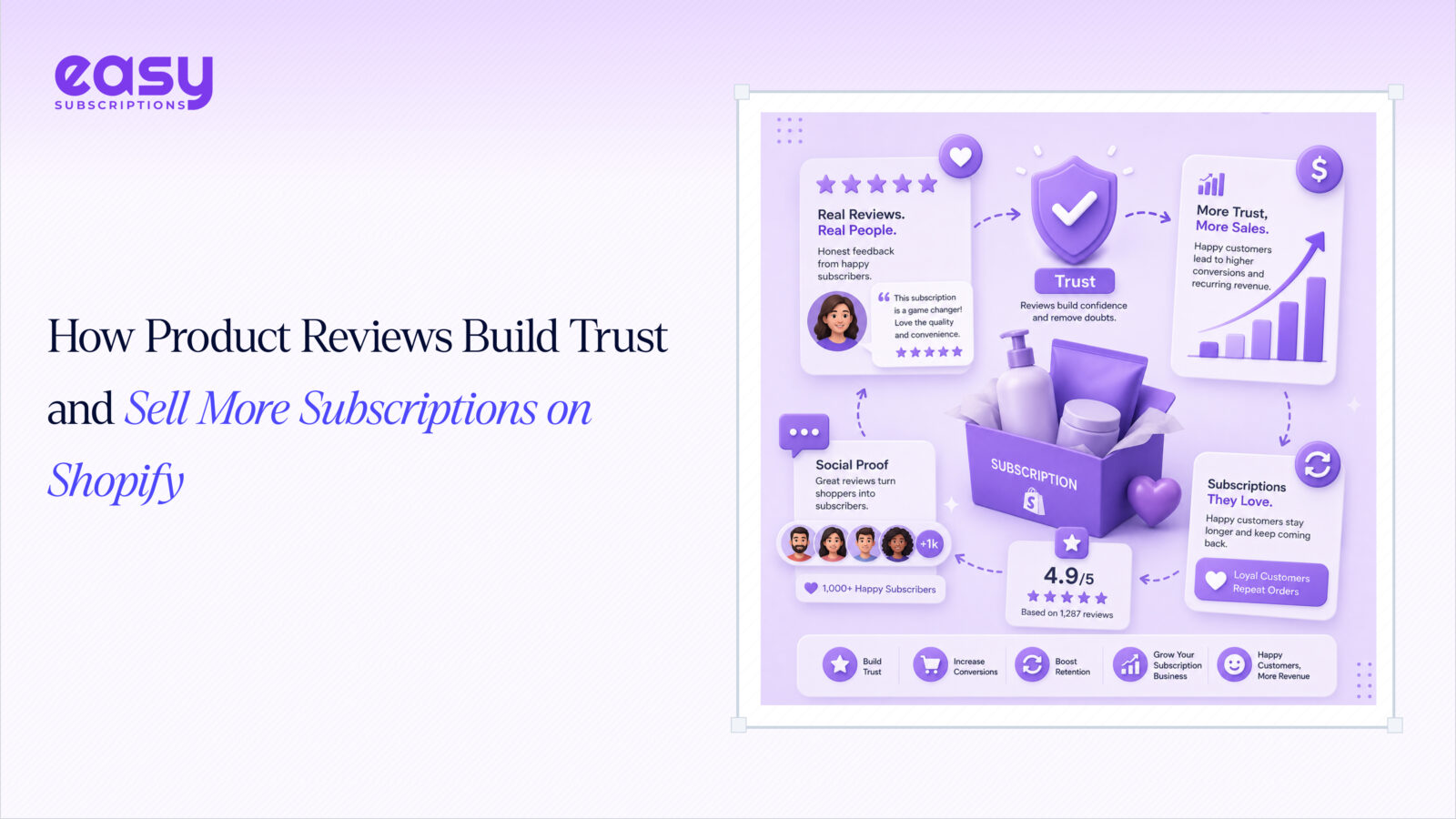
That’s where social proof on Shopify earns its keep. According to the Spiegel Research Center at Northwestern University, products with just five reviews are 270% more likely to be purchased than products with zero. For higher-priced items, that lift jumps to 380%.
The “subscribe” button is where trust gaps kill conversions. A shopper who lands on your product page and sees no reviews has no external signal that this product delivers on its promise, let alone that it’s worth paying for every month. Reviews are the bridge between skepticism and commitment.
There’s a retention angle too. Subscribers who read positive reviews before signing up churn less. They made an informed decision, not an impulsive one. They know what they’re getting. That single insight should change how every DTC subscription brand thinks about review collection.
The 4 Types of Reviews That Drive Subscription Conversions
Not all reviews carry equal weight. Here’s what truly influences subscription products.
Star Ratings: The First Filter
Star ratings are the fastest trust signal on a product page. According to BrightLocal’s 2024 Consumer Review Survey, 71% of consumers won’t consider a business with an average rating below 3 stars, and most subscription shoppers are filtering at 4+.
The visibility benefit goes beyond your product page. Star ratings appear in Google search results as rich snippets, giving your listings more real estate and a higher click-through rate before a shopper even lands on your store. Even 10–15 ratings can make that snippet appear.
Written Reviews: The Objection Killer
Shoppers read written reviews to find answers to their specific objections: Does the taste hold up after a few months? Is the portion size right? Does the formula actually work long-term?
For subscription products, reviews that mention ongoing use are gold. A customer who writes, “I’ve been subscribing for six months, and I still look forward to every delivery,” answers the single biggest objection a new subscriber has. That one sentence does more work than any product description you’ll write.
Practical tip: don’t only ask for reviews after the order. 1. Trigger a review request at order 3 or order 6. Long-term subscriber reviews are disproportionately persuasive, and most brands never collect them.

Photo & Video Reviews: Authentic Customer Experiences
Shoppers who interact with user-generated photos and videos convert at roughly double the rate of those who don’t, according to PowerReviews’ UGC conversion analysis (2022–2023 data). Photo reviews are harder to fake, which is exactly why they signal a genuine purchase.
This format is especially powerful for food, beauty, pet, and wellness subscriptions where seeing the product in a real home not a studio is what tips the decision. One real unboxing photo beats five paragraphs of copy.
Verified Subscriber Reviews: The Most Powerful Format
A review from someone who has subscribed for three months carries more weight than a one-time buyer review. It directly answers the #1 subscription objection: “Will I actually keep using this?”
Label them explicitly. “Verified Subscriber – 8 months” vs. “Verified Buyer” is a meaningful distinction. If your review app supports custom badges, use them. If it doesn’t, surface long-tenure reviews manually in your featured slots.
Where to Display Reviews (and Where Most Brands Get It Wrong)
Collecting reviews is only half the job. Placement is where most Shopify stores leave money on the table.
Product page: Display it above the fold, not buried below specs. The default behavior in most Shopify themes pushes reviews to the bottom. Move them up. A star rating aggregate and two featured written reviews near the add-to-cart button will outperform any copy you put there.
Subscription landing pages: If you have a dedicated subscribe and save page, reviews belong there, not just on the product page. A shopper evaluating a subscription commitment needs social proof at the exact moment they’re weighing it.
Checkout page: the last trust signal before the customer commits. A 4.8★ badge at checkout reduces abandonment. It’s a two-second reassurance that they’re making the right call.
Post-purchase emails: show reviews in your onboarding sequence to reduce buyer’s remorse and early churn. A new subscriber who sees “here’s what 600 other subscribers said after their first month” is far less likely to cancel before they’ve even received their second order.
Retention emails: When a subscriber is at risk of cancelling, a curated “Here’s what other subscribers say” email can save the relationship. This is one of the highest-ROI uses of your review library and almost no brands do it.
How to Collect More Reviews on Autopilot
The #1 reason DTC brands have thin review counts: they never ask. Automated review requests fix this entirely.
Timing: Send your review request 7–14 days after delivery, not immediately after purchase. The customer needs to have used the product. Ten days post-delivery is the sweet spot for most categories.
Frictionless format: a one-click star rating embedded directly in the email body removes every barrier. The moment a customer has to click through to a separate page, completion rates drop sharply.
Incentivize without bribing: offering loyalty points for leaving a review is fully compliant with Shopify’s policies and FTC guidelines. Offering cash discounts in exchange for positive reviews is not; it’s a risk not worth taking.
Trustyy Reviews automates the full collection flow on Shopify: timed review request emails, multiple display widgets (grid, list, and carousel), spam protection, bulk actions, and auto-publish for reviews above your chosen threshold. It’s free to install, rated 4.8★, and built for Shopify, meaning it meets Shopify’s highest standards for performance and merchant experience.
Connect Trustyy Reviews with Easy Loyalty Rewards to award points automatically every time a customer submits a review. The loop closes itself: subscribers earn points, points drive engagement, and engagement reduces churn.
How Reviews Reduce Subscription Churn
Reviews aren’t just a conversion tool. Used deliberately, they’re one of the most underrated retention tools in a subscription brand’s stack.
Community signal: “Join 1,400 subscribers who love this” on the product page reduces cancellation intent. People don’t cancel things they feel part of. A visible subscriber count paired with a strong review aggregate makes your product feel like a community, not a transaction. Beyond product reviews, Shopify merchants can use social proof notifications to highlight recent purchases, customer activity, and other trust signals. Tools like Nudgify help make customer activity more visible, giving shoppers additional context as they decide whether to purchase or subscribe.
Renewal moment: include a review highlight in your monthly renewal confirmation email. “Here’s why 847 subscribers renewed this month” is a simple line that reaffirms the decision at the exact moment it’s most fragile.
Winback campaigns: your best reviews are your best re-engagement copy. Use them in emails to lapsed subscribers. A real customer’s words, specific, personal, enthusiastic will outperform any promotional headline you write.
Churn survey insight: negative reviews surface product issues before they become mass cancellations. A pattern of “the packaging leaks” or “the flavor changed” in your review feed is free product research. Treat it that way, and fix the problem before it costs you 200 subscribers.
How to Set Up Product Reviews on Shopify with Trustyy Reviews

Here’s the full setup, start to finish.
Step 1: Install Trustyy Reviews from the Shopify App Store. Free to install, no credit card required.
Step 2: Configure automated review request emails. Set the send timing to 10 days post-delivery for most product categories. Adjust to 14 days for consumables that take longer to evaluate.
Step 3: Choose your display widget grid, list, or carousel and place it above the fold on your product pages. Don’t accept the default placement; move it manually if needed.
Step 4: Enable auto-publish for 4★+ reviews and set lower ratings to manual moderation. This keeps your feed active without requiring daily oversight while giving you a chance to respond to critical feedback before it goes live.
Step 5: Connect to Easy Loyalty Rewards and configure the points awarded per review submission. Even a small reward (50–100 points) meaningfully increases review submission rates.
Step 6: Add the star rating badge to your checkout page for the final trust signal before the customer commits.
Step 7: After your first batch of reviews goes live, submit your updated product pages to Google Search Console to trigger rich snippet indexing. This is the step most merchants overlook, yet it’s often what helps your star ratings appear in Google search results.