 AI-powered, Human-reviewed.





What are Shopify recurring payments?
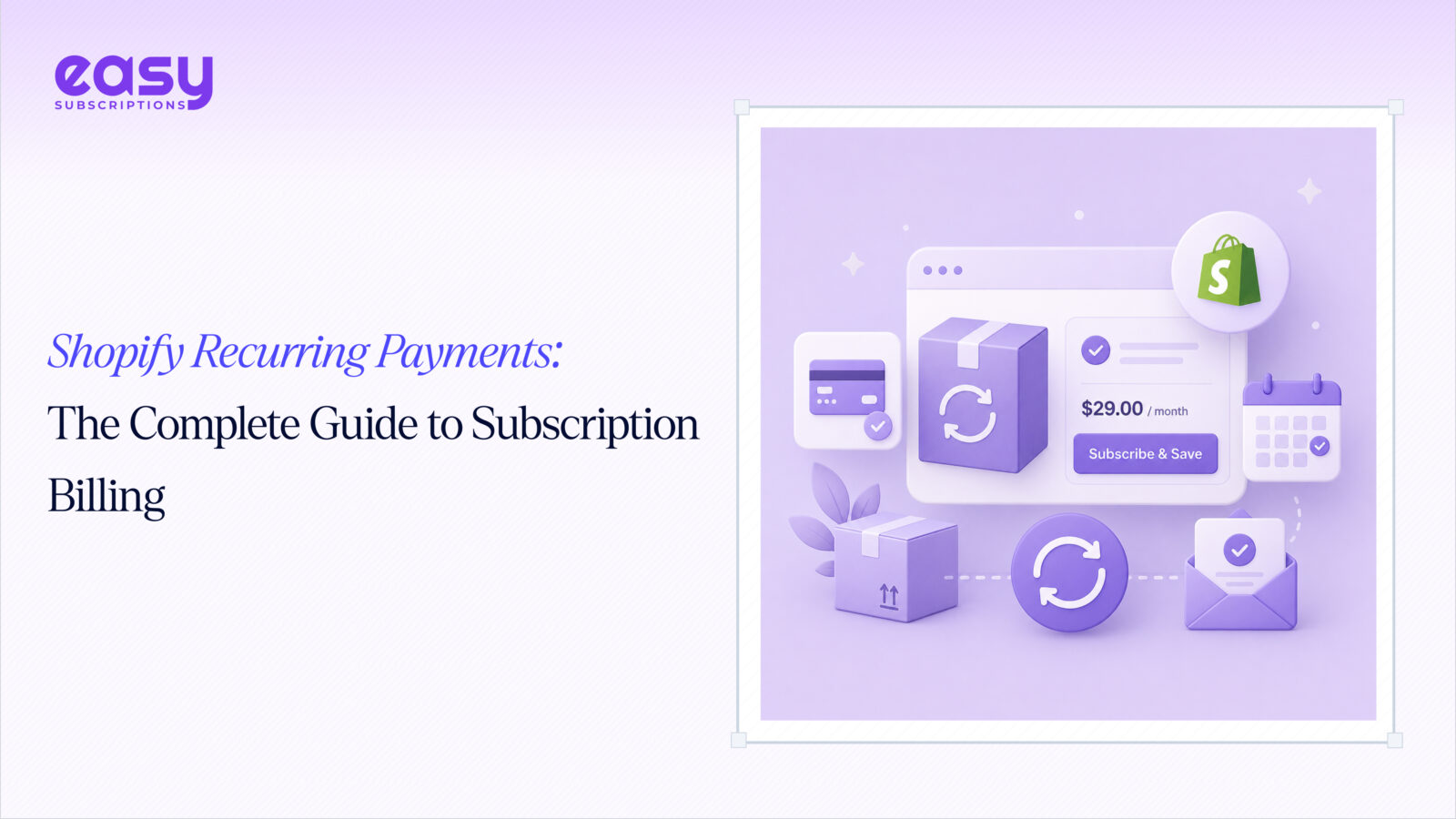
Shopify recurring payments are automated charges billed to a customer on a set schedule – weekly, monthly, quarterly, or annually, in exchange for a product or service delivered repeatedly.
Unlike a standard one-time purchase, a recurring payment stores the customer’s payment method and triggers future charges without requiring the customer to return to checkout. The customer agrees once; the billing runs on autopilot.
Why this matters for DTC brands: one-time purchases are expensive to generate. You pay to acquire a customer, they buy once, and you pay again to bring them back. Subscriptions flip that math. You acquire once and bill repeatedly, which is why subscription commerce grew 435% over the past decade and why 58% of DTC brands now offer some form of recurring billing.
Shopify does have a native subscriptions layer, built on its Selling Plan API – but it’s designed for simple use cases. For anything beyond basic weekly or monthly billing (think dunning, customer portals, pause/skip logic, analytics), you need a dedicated subscription billing platform for Shopify.
How Shopify subscription billing works
The recurring billing cycle operates through a series of automated steps:
- Customer subscribes: they select a subscription option at checkout (e.g., “Subscribe & Save 15%”) and complete the order.
- Payment method saved: Shopify stores a reusable payment credential tied to a subscription contract.
- Billing attempt triggered: on the renewal date, the app fires a billing attempt against the saved payment method.
- Order created: if the charge succeeds, a new order is automatically generated in your Shopify admin.
- Fulfillment: the order flows into your normal fulfillment process, just like any other order.
Billing intervals can be set to almost any cadence: every N days, weeks, months, or years. Many stores offer multiple options (e.g., monthly vs. quarterly) and let customers choose at checkout.
Failed payment handling is where most stores lose money silently. When a charge fails – expired card, insufficient funds, bank decline – the subscription enters a delinquent state. Without automated dunning (smart retries + customer notifications), that subscriber quietly churns. Best practice is a retry sequence starting 24–48 hours after the first failure, spaced over 7–30 days, with email prompts linking directly to a payment update page.
Key features to look for in a Shopify subscription billing app
Not all apps are equal. Here’s what actually matters:
- Flexible billing intervals: daily, weekly, monthly, custom. Rigid cadences kill conversions.
- Native Shopify Checkout integration: subscriptions should run through Shopify’s own checkout, not a redirect. This protects conversion rates and keeps the experience consistent.
- Self-serve customer portal: subscribers must be able to pause, skip, swap products, or update their payment method without contacting support. This single feature reduces churn more than almost anything else.
- Dunning management: automated retry logic with configurable timing and customer-facing email sequences. Non-negotiable.
- Pause, skip, and swap: giving subscribers control keeps them from cancelling outright.
- Subscription analytics: MRR, churn rate, LTV, and payment failure rate should be visible at a glance.
- Discount and pricing rules: subscribe and save discounts, first-order incentives, and tiered pricing are all standard expectations now.
Easy Subscriptions covers all of the above and is built specifically as a Shopify subscription app recurring billing solution – native checkout, full customer portal, and dunning built in.
How recurring billing boosts profitability
The numbers make a clear case:
- Subscription customers generate 3–5× more lifetime revenue than one-time buyers.
- Subscriber LTV typically lands in the $350–$800+ range, versus roughly $168 for one-time purchasers.
- ~70% of subscription revenue comes from existing customers – meaning your acquisition spend goes further the longer you retain subscribers.
- 32.4% of customers convert to a recurring purchase model when merchants offer the option.
Beyond LTV, shopify recurring billing improves profitability in three structural ways:
- Lower effective CAC. You pay once to acquire a subscriber, then bill them 6, 12, or 24+ times. A CAC:LTV ratio of 1:4 to 1:8 is considered strong – and subscriptions make that ratio achievable.
- Predictable revenue. MRR gives you a reliable revenue floor. That predictability lets you plan inventory, staffing, and ad spend with far more confidence than a purely transactional model.
- Inventory forecasting. Knowing how many subscribers renew each month means you can order stock precisely, reducing both overstock costs and stockouts.
The global subscription e-commerce market hit $2.72 trillion in 2025 and is projected to grow at a 14.4% CAGR through 2034. The window to build a defensible recurring revenue base is now, not later.
How to set up recurring payments on Shopify
Here’s the practical setup sequence:
Step 1 – Install a subscription app. Go to the Shopify App Store and install a dedicated subscription billing app. Easy Subscriptions installs in minutes and connects directly to Shopify Checkout.
Step 2 – Create a subscription product. In the app, select the products you want to offer on subscription. You can apply subscriptions to individual products or entire collections.
Step 3 – Configure billing intervals. Set your cadence options (e.g., every 30 days, every 60 days) and attach any subscribe-and-save discounts. Offering 2–3 interval choices gives customers flexibility without overwhelming them.
Step 4 – Set up the customer portal. Enable the self-serve portal so subscribers can manage their own subscriptions. Brand it to match the style and appearance of your store.
Step 5 – Configure dunning rules. Set your retry schedule and email notification sequence for failed payments. At minimum: retry at 24h, 72h, and 7 days, with a customer email at each stage.
Step 6 – Test checkout. Run a test subscription order end-to-end. Confirm the subscription contract is created, the customer portal is accessible, and the billing attempt fires correctly on the renewal date.
That’s it. Most stores are live with subscription payments on Shopify within a single afternoon.
Common recurring billing mistakes to avoid
- Setting only one billing interval. Customers have different needs. Offering only monthly billing loses subscribers who’d prefer quarterly. Always offer at least two options.
- Skipping the dunning setup. Failed payments are inevitable. Without automated retries and notifications, you’re leaving recovered revenue on the table – often 5–10% of MRR or more.
- No customer portal. When subscribers must contact support to pause or skip deliveries, many choose to cancel instead. A self-serve portal is the single best churn-reduction tool you have.
- Ignoring payment failure alerts. A spike in failed payments often signals a card issuer issue, a pricing problem, or a product satisfaction issue. Monitor it weekly.
- No pause option. Subscribers who can pause stay. Subscribers who can only cancel, cancel. Pause is not optional – it’s a retention mechanism.
Key metrics to track
Metric | What it measures | Healthy benchmark |
Total predictable monthly revenue from active subscriptions | Growing month-over-month | |
% of subscribers who cancel in a given month | Below 7% (best-in-class: <5%) | |
LTV (Lifetime Value) | Average total revenue per subscriber | 4–8× your CAC |
Payment failure rate | % of billing attempts that fail | Below 5% |
Track these four weekly. If churn climbs above 10% or your payment failure rate exceeds 5%, act immediately, those two numbers compound fast.